7 Free Journaling Apps and What Each One Removes
Every journaling app has a free tier. What separates them is what it takes away — your second device, your export — and nobody says so upfront.
By Yagyesh Bobde ·

Every journaling app is free. That is the part the app store tells you.
What it does not tell you is that a free tier is a design decision, not a discount. Someone chose which feature to remove, and that choice reveals what the company expects you to pay for. Sometimes it is storage. More often it is your second device, or your export file — the thing that would let you leave.
Here is what seven of them give away, and what each holds back.
How this was compiled: every limit and price below was taken from the developer's own pricing page or store listing on 26 August 2026, with a link to its source. The plan-page screenshots are ours, captured that day. The app screenshots are the developers' own store images, credited under each one — the award badges and taglines are theirs, not our endorsement. Prices here change often, so check the live page before you subscribe.
The question that sorts them: can you leave?
Journaling compounds. A month in, the app is a curiosity. Three years in, it holds a record of your life that exists nowhere else, and the cost of switching is no longer the subscription — it is the archive.
So the useful question is not which app has the nicest prompts. It is whether the free tier lets you get your writing back out. These seven split cleanly on that, and not in the direction the ratings suggest.
The seven
Apple Journal — free, with no upgrade to sell you
There is no paid tier, no ads, and no account beyond the one you already have. It stayed iPhone-only for its first two years; iPadOS 26 and macOS Tahoe 26 finally brought it to iPad and Mac, along with multiple journals, reminders and Apple Pencil support.
What it removes is everyone else's platform. There is no Android or web version, so an Apple Journal habit is an Apple habit, and its analytics and export options are more limited than those of the dedicated apps below.
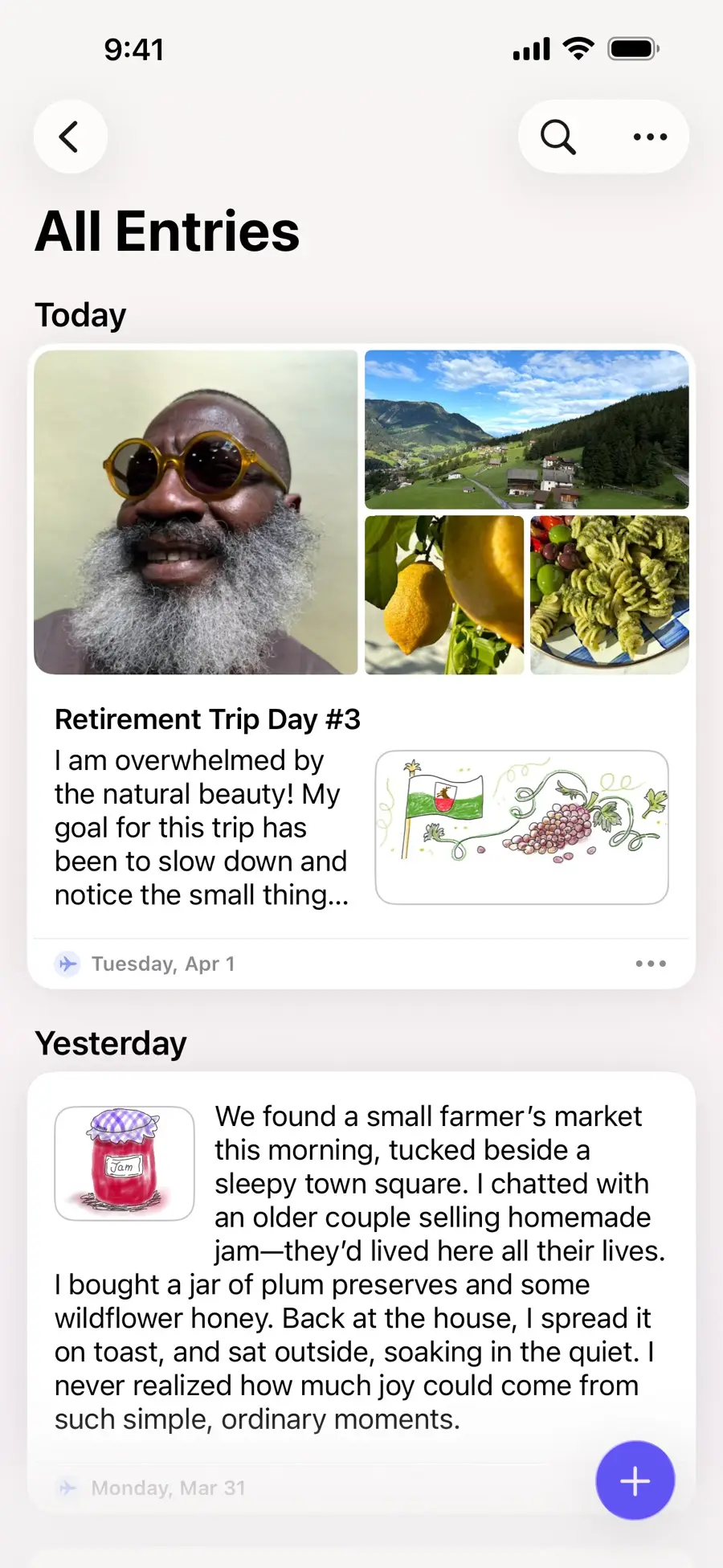 Apple Journal — Apple Inc. · App Store ·
Best for: anyone on an iPhone who wants to start tonight without having to make a decision.
Day One — the most polished, and the fastest to ask for money
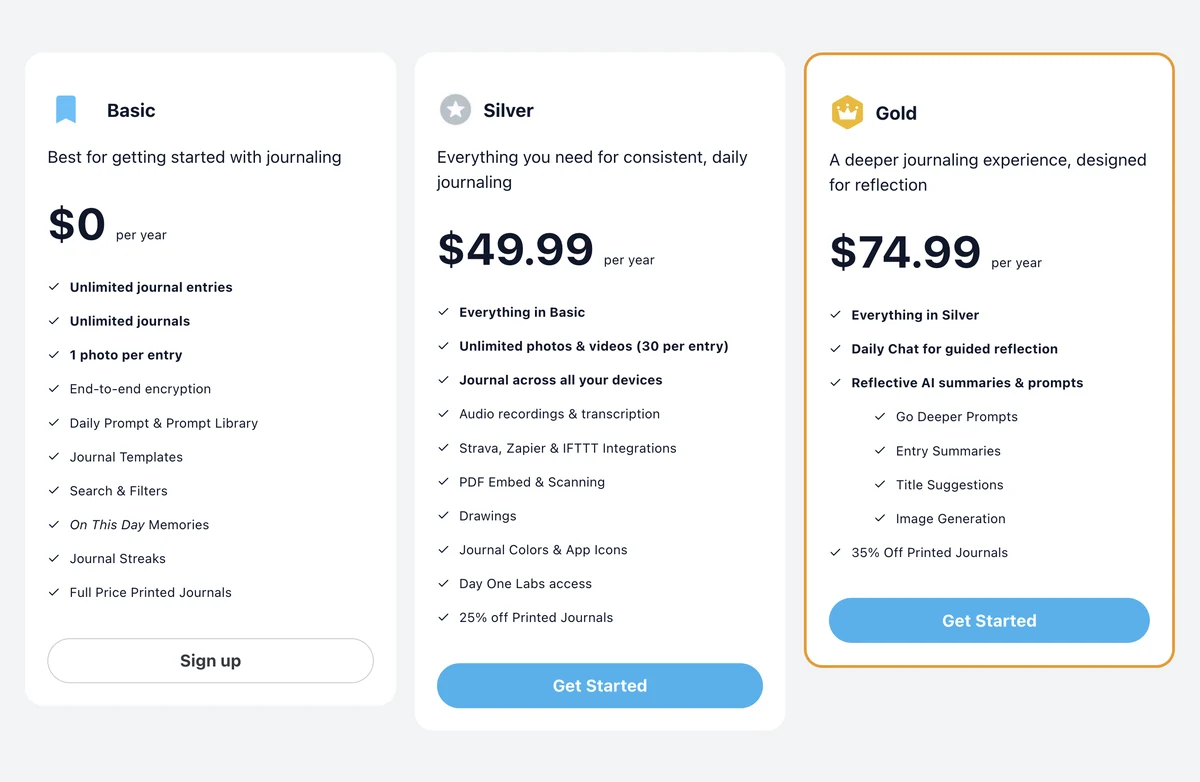
Day One's free tier is generous where you'd expect stinginess and strict where it counts: unlimited entries and unlimited journals, but one device and one photo per entry. Syncing across your phone and laptop is the paid feature. Silver costs $49.99/year, Gold $74.99/year.
It is also the only app here that encrypts by default — entries sync end-to-end encrypted, though the exports it produces are ordinary unencrypted PDFs and JSON, worth knowing before you email one to yourself.
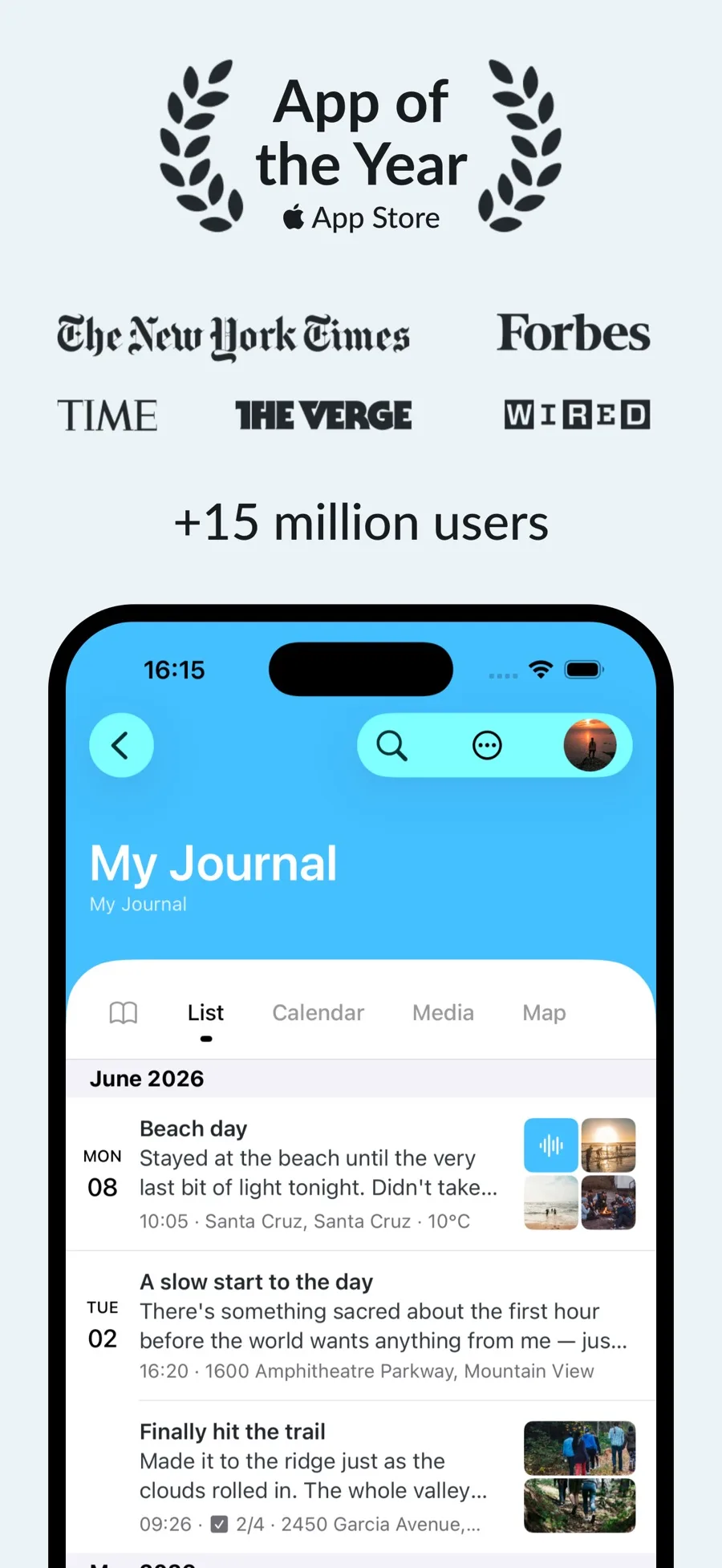 Day One — Bloom Built Inc · App Store ·
Best for: one-device writers who want the best-made app and will pay when they get a second device.
Daylio — journaling for people who don't want to write
Daylio inverts the format: you tap a mood and a few activity icons, and the writing is optional — which is a real advantage on the days when three honest lines are the whole entry. The developers are unusually direct about the free tier, promising to keep "a free unlimited version of Daylio the same as before" and letting you downgrade "at any time without fear of losing any data".
What Premium reserves for paying users is worth reading closely, because two of those things are not features so much as exits: PDF export and automatic backups are both Premium, as is the PIN lock on iOS. Prices are shown in the app rather than on the site.
The free tier is a real product rather than a trial. Its weakness mirrors its strength: a tapped mood cannot capture the two moments that decide how you remember a day, and the statistics stay shallow until you pay.
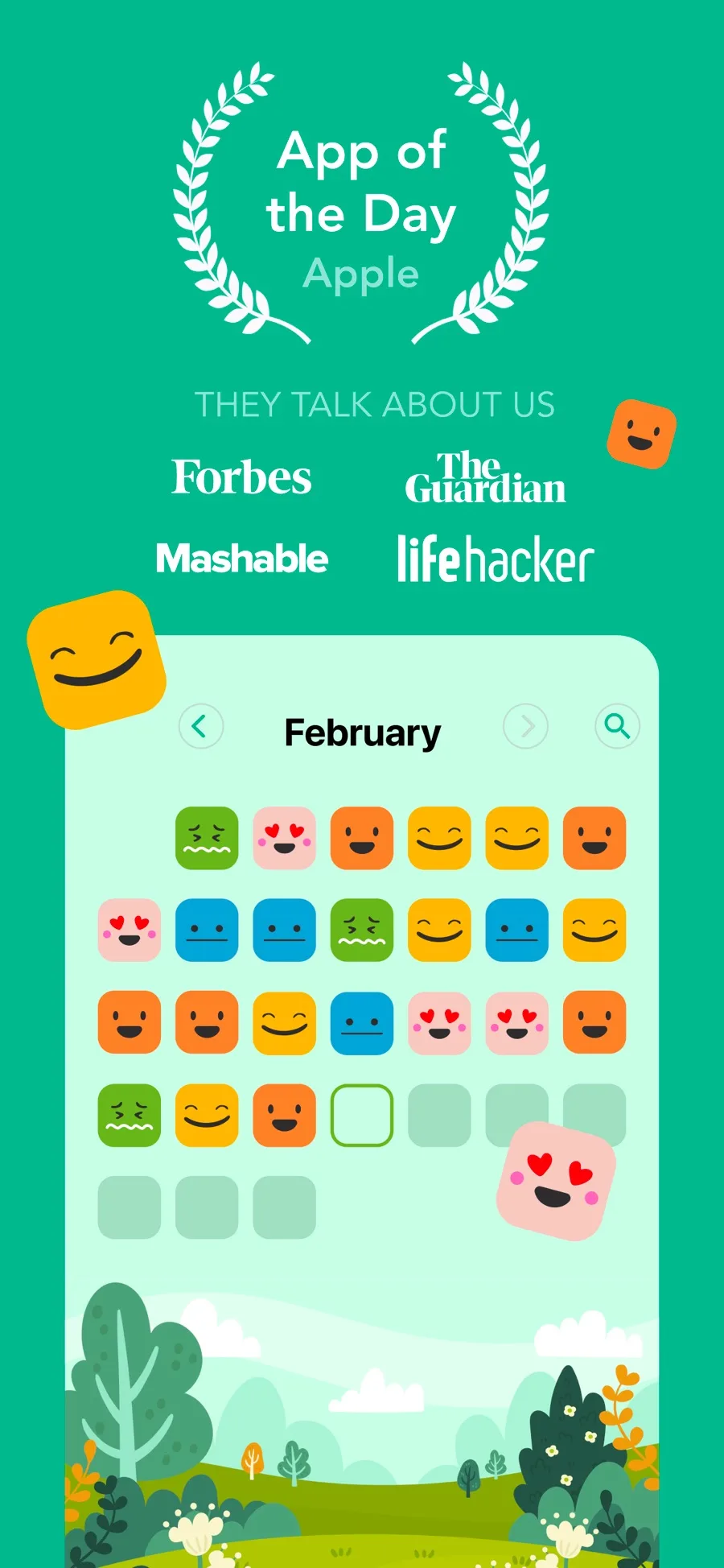 Daylio — Relaxio s.r.o. · App Store ·
Best for: mood tracking first, words second — and anyone who would rather buy an app than rent one.
Finch — the free tier is genuinely the product
Finch wraps self-care in a small bird you look after, which sorts readers into two groups immediately. In practical terms, it is the most generous here: journaling, mood and goal tracking and the core exercises are free, with no ads on the free tier, and Plus is largely cosmetic. Its App Store rating is 4.9 across 730,000-plus ratings.
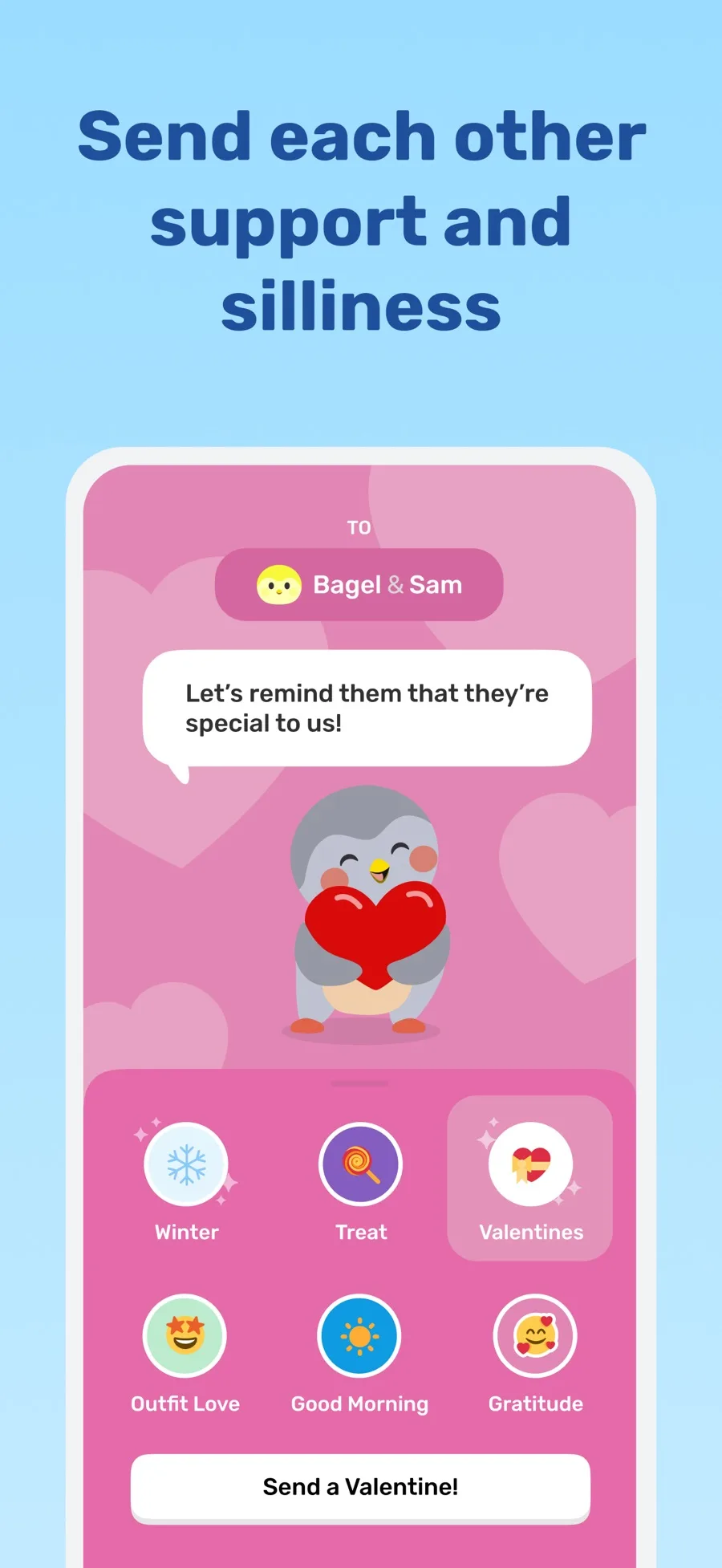 Finch — Finch Care Public Benefit Corporation · App Store ·
Best for: people who need a reason to open the app, not just a place to type — the same job a fixed morning line does on paper.
How We Feel — free, and staying that way
No subscription, no ads, no upgrade screen. It was built with Yale's Center for Emotional Intelligence around naming emotions precisely rather than rating them out of ten, which is a genuinely different exercise from most gratitude journaling.
It is not a diary. If you want long-form entries, this is a companion to another app, not a replacement.
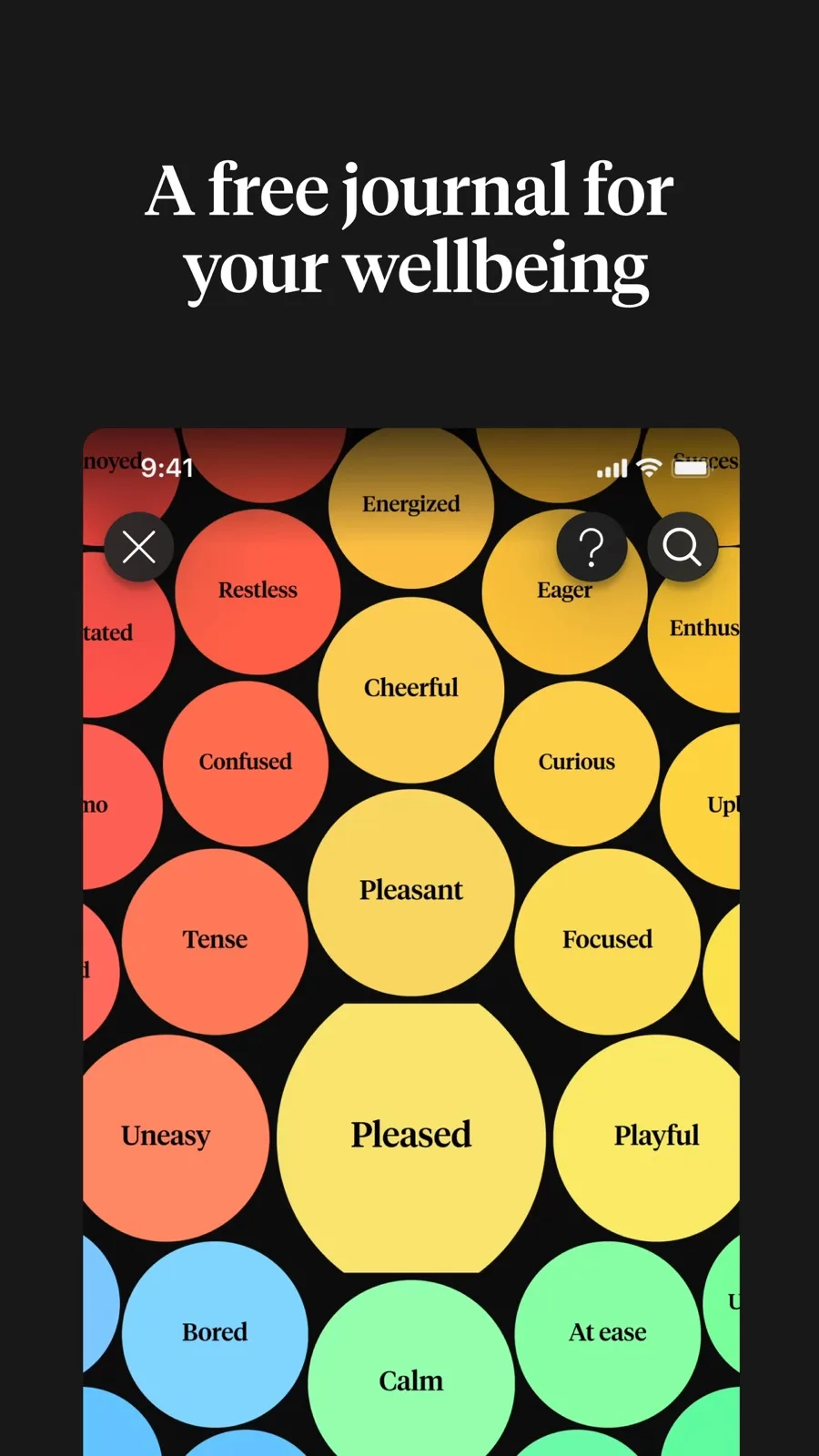 How We Feel — The How We Feel Project, Inc. · App Store ·
Best for: building an emotional vocabulary, at zero cost, permanently.
Penzu — unlimited entries, locked-in archive
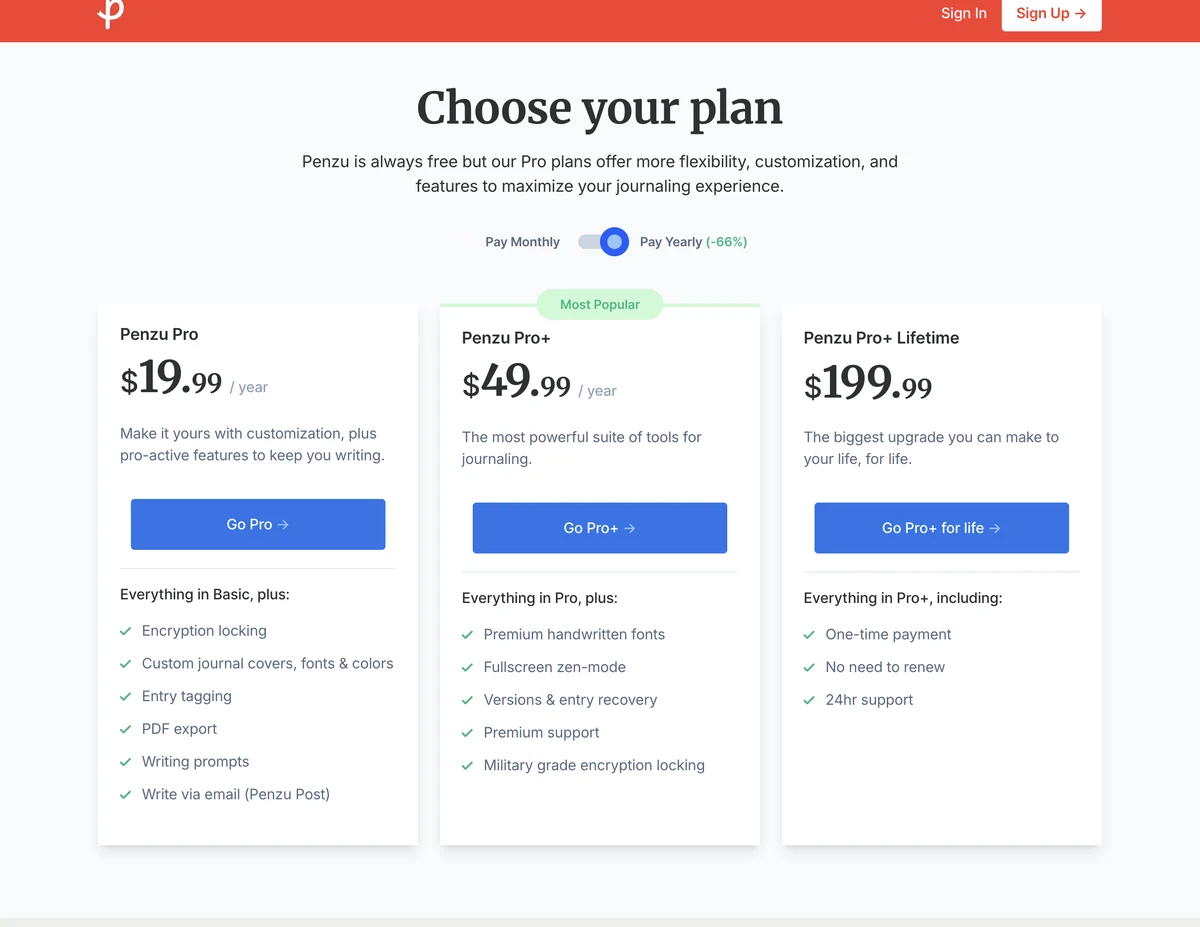
Penzu's free tier looks open on the surface: unlimited entries across unlimited devices, on the web and both phone platforms. Read the plan page and the catch is at both ends. Entry tagging, PDF export and encryption locking are all Pro ($19.99/year); the "military grade encryption locking" in the marketing is Pro+ ($49.99/year, or $199.99 as a one-off payment). The free tier writes and stores. It does not lock, and it does not let you out.
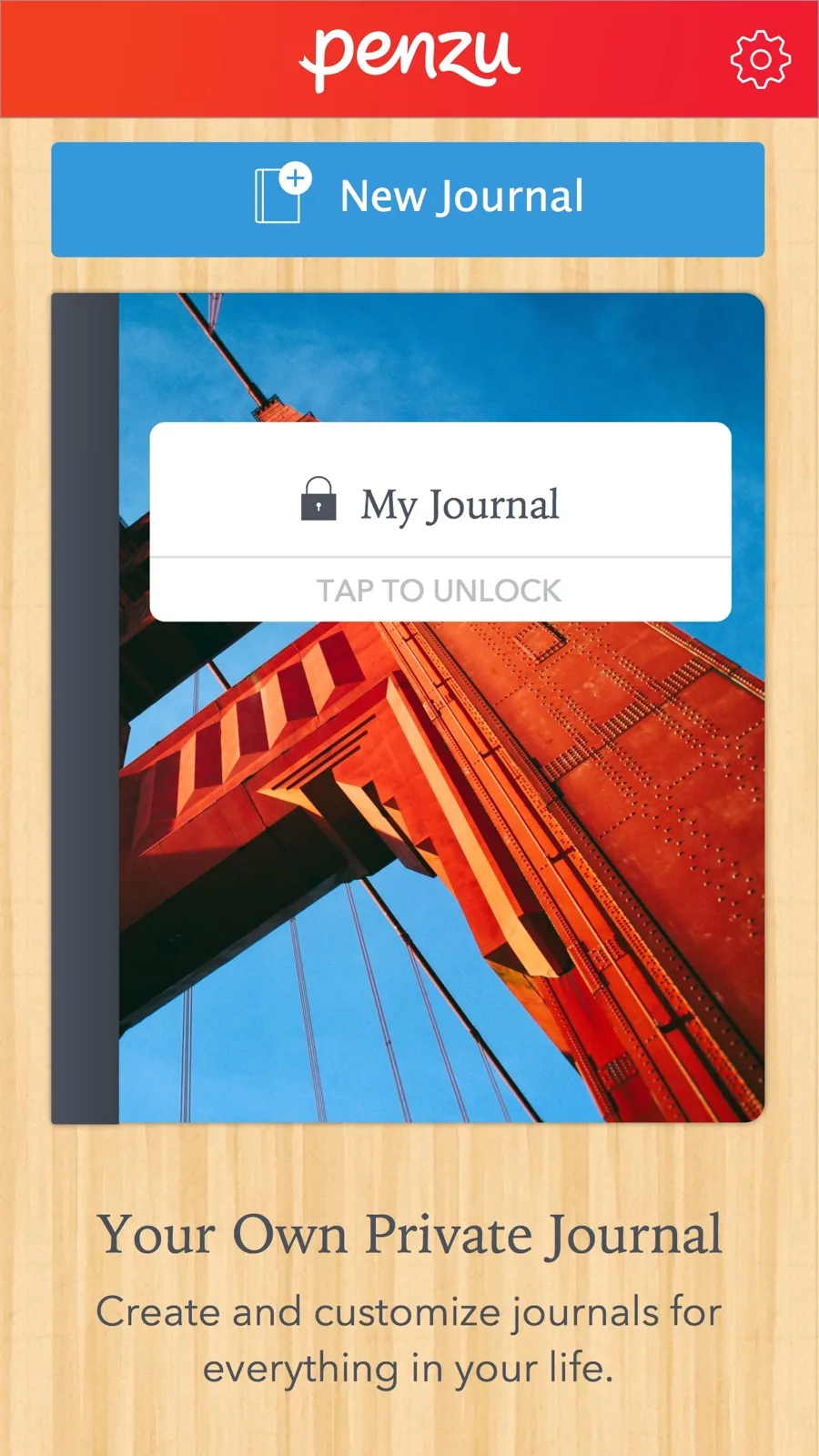 Penzu — Penzu Inc. · App Store ·
Best for: web-first writers who want a plain text box on every device and will upgrade for the lock.
Diarium — the one that will sell you the app outright
Diarium is free to use on most platforms, with Pro adding cloud sync, unlimited attachments, Word export, widgets and weather. The part that matters: Pro is a one-off purchase, per platform, with no subscription anywhere. On Windows you buy the app outright, and it includes Pro. Prices are shown in the app and the Microsoft Store.
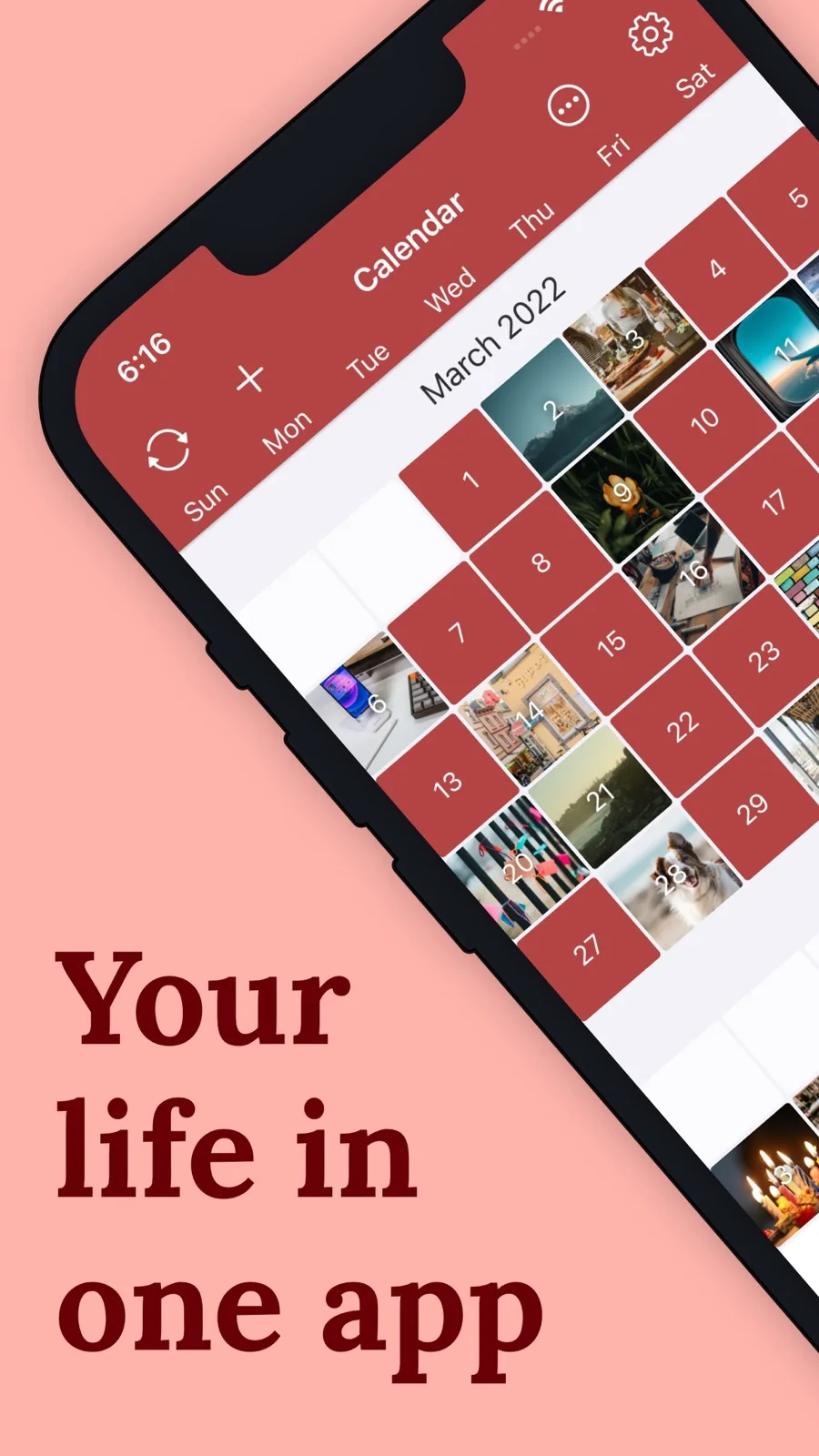 Diarium — Timo Partl · App Store ·
Best for: Windows-and-Android households, and anyone allergic to recurring payments.
What the comparison actually shows
Sorted by business model rather than by rating, the seven fall into three groups.
The free tier is a demo. Day One and Penzu. Both are excellent, and both withhold the specific feature that makes leaving easy. Nothing is wrong with that — it is how the app gets made — but you should start one of these knowing you will eventually pay or eventually lose momentum.
The free tier is the product. Finch, Daylio, Diarium. The paid upgrade buys depth or cosmetics, not permission to keep using it.
There is no tier. Apple Journal and How We Feel. Both are narrower than the paid apps, and both are free in a way that cannot be revoked next quarter.
The reason this matters more than feature counts: subscriptions in this category are leaky. Health and wellness apps lose around 8.1% of subscribers every month — over 60% a year. Most people who pay for a journaling app will not be paying for it in twelve months, and the entries will still be in there.
Choosing in two minutes
One device, want the nicest app: Day One. Two devices and unwilling to pay: Penzu or Diarium. Dread the blank page: Daylio or Finch. Want it free forever and focused on a limited set of functions: Apple Journal or How We Feel.
In week one, before you have anything to lose, export an entry. If you cannot, you have learnt the most important thing about the app while switching is still cheap.
The app matters far less than the habit, and the habit is mostly about lowering the bar on bad days: a few gratitude lines or one prompt keeps it alive. If you are starting from nothing, a set of beginner prompts will do more for you than any feature on this page.
Common questions
Which journaling app is completely free?
How We Feel has no paid tier at all — it was built with Yale's Center for Emotional Intelligence and is free and ad-free. Apple Journal is also free with no upgrade, but only on Apple devices. Every other major journaling app reserves something for a subscription.
Is the free version of Day One enough?
It depends on how many devices you use. Day One's free tier gives unlimited entries and journals but syncs to one device and allows one photo per entry. If you write on both a phone and a laptop, the free tier will not carry your entries between them.
Can you export your entries from a free journaling app?
Sometimes. Day One, Penzu and Daylio all place some or all export formats behind their paid tier, so the free version can hold years of writing you cannot easily take out. Check export before you start, not after.