Journal app price increase: how to leave with every entry
A journal app price increase works because years of entries make leaving feel expensive. Export first, then decide, and your writing stays yours either way.
By Yagyesh Bobde ·
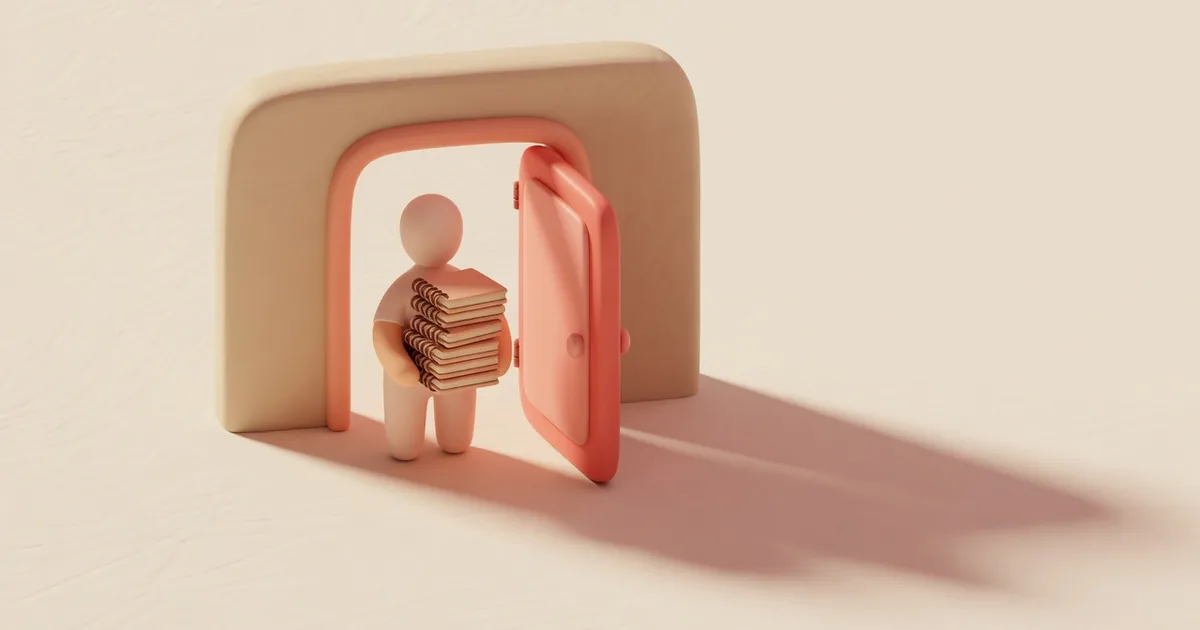
The email arrives on a Tuesday. Your journal renews next month, at a new price. You've written in this app for three years, and moving feels like packing up a house.
So you pay. That's the part the price was counting on.
Why journal apps raise prices on loyal users
A journal app can raise its price on long-time users because a big archive makes leaving feel expensive. Your entries are the moving cost, and the longer you've written, the higher it gets.
The reviews show how often this goes badly. We read every 1–3★ review, 818 of them, in a sample of 3,749 App Store reviews of 39 journaling, diary, gratitude and mood apps across 10 English-speaking storefronts, collected in October 2026. 279 of those critical reviews, 34%, were about paywalls and subscriptions. And of the 79 reviewers who said they deleted, cancelled or switched apps, 44 named a paywall or subscription as the reason, more than any other cause.
"If you want to access your past journal entries you’ll need to pay for a subscription which has doubled in price to $100/year," wrote one journaling-app reviewer, 2★. Another, 1★, after an app moved from a one-time purchase to a subscription: "Now the update has less features than what I actually paid for."
On iPhone, you won't always be asked first. Apple's developer rules say an increase triggers either a notice or a request for consent. Consent is needed only in some cases, such as a rise of more than 50% that also adds roughly US$50 a year to an annual plan.
How to leave a journal app before the new price hits
Leaving a journal app safely takes five steps, and the order matters:
- Find the renewal date. On iPhone: Settings, your name, Subscriptions. On Android: Subscriptions in Google Play.
- Export everything while you still have access. PDF to read later, plain text to move. Include photos if the app offers it.
- Open the export and spot-check it. Your oldest entry, one with a photo, last week's.
- Cancel in your phone's settings. Deleting the app doesn't do it. Google's help page says so directly, and adds that you keep access for the time you've already paid.
- Move to a journal whose basics are free, so this doesn't happen again.
Your old archive doesn't need to come with you. A PDF in your files is still yours, and still readable in ten years.
Grateful', our free gratitude journal app, has no subscription to raise. The app lock, encrypted backup, PDF and plain-text export, and sync between iPhone and Android are all free, with no ads. The daily entry is three good things in about 30 seconds, so starting over costs one evening, not a weekend.
When paying the new price is fine
Paying the higher price is the right call when the app does something you use every day that free apps don't, and its export works. The test is simple. Are you paying because you want to, or because you're afraid to leave? If you've just exported everything, you'll know.
Tonight, before you decide anything, export your journal and open the file. Then, if you'd rather not pay to keep writing, start tomorrow's three lines in Grateful'.
Common questions
What should I do when my journal app raises its price?
Export every entry first, as PDF for reading and plain text for moving, and check the file opens. Then decide calmly whether the new price is worth it. If not, cancel through your phone's subscription settings before the renewal date, not by deleting the app.
Can an iPhone app raise my subscription price without asking?
Sometimes. Apple's developer rules say a price increase on an existing subscription triggers either a notice or a request for consent. Consent is required in some cases, such as an increase of more than 50% that also adds roughly US$50 a year to an annual plan.
Does deleting a journal app cancel the subscription?
No. Subscriptions are billed by Apple or Google, not by the app, so uninstalling it leaves the subscription running. Cancel in your phone's subscription settings instead. Google's own help page states that uninstalling an app won't cancel its subscription.